
Introduction
This Topic requires no introduction… and yet I describe what BCcontainerHelper does. BCcontainerHelper is the successor to the NavContainerHelper Powershell Module. They are both amazing Powershell modules which makes working Business Central and Navision in Docker Containers very easy.
How to Install?
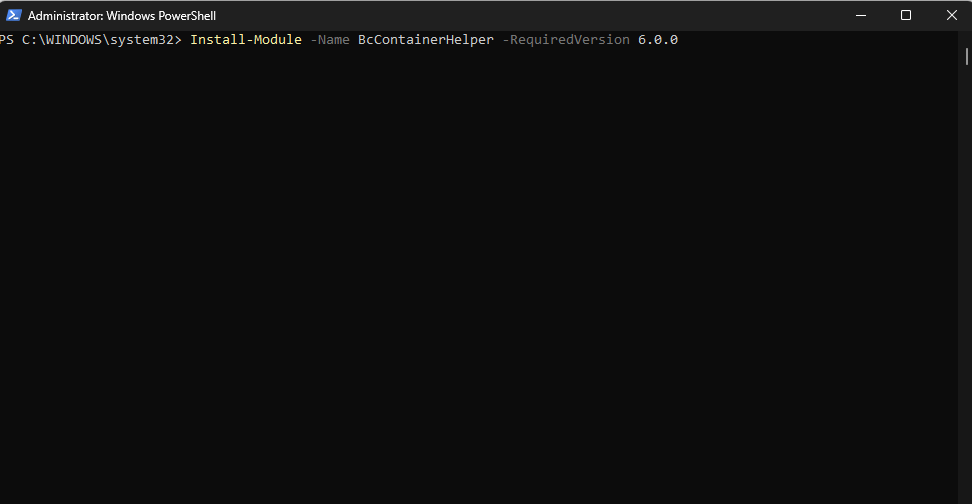
Open PowerShell using Admin Privileges and paste the following in the prompt and hit Enter. The installation is sure to fail without using Admin Privileges while running Powershell.
Install-Module -Name BcContainerHelper
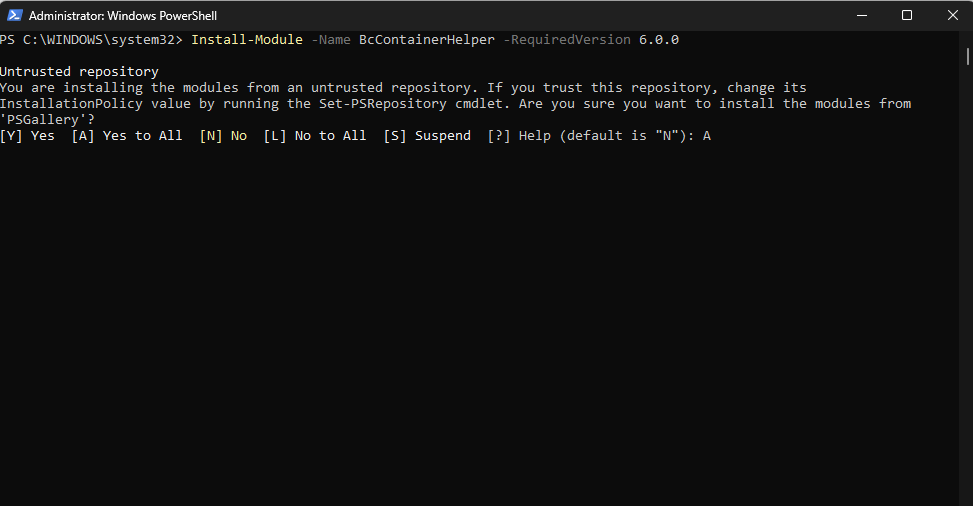
Type in ‘A’ to give permissions and hit Enter to proceed with the installation.
That’s it. You’re Done.
To gain more knowledge on the subject, visit BcContainerHelper | Freddys blog.
Thanks for Reading, Hope the reading was worth your time.
 Sivaguru Muralidharan
Leave a comment